
Digital Eye Strain and Why Screens Make Your Eyes Tired
Derek C.
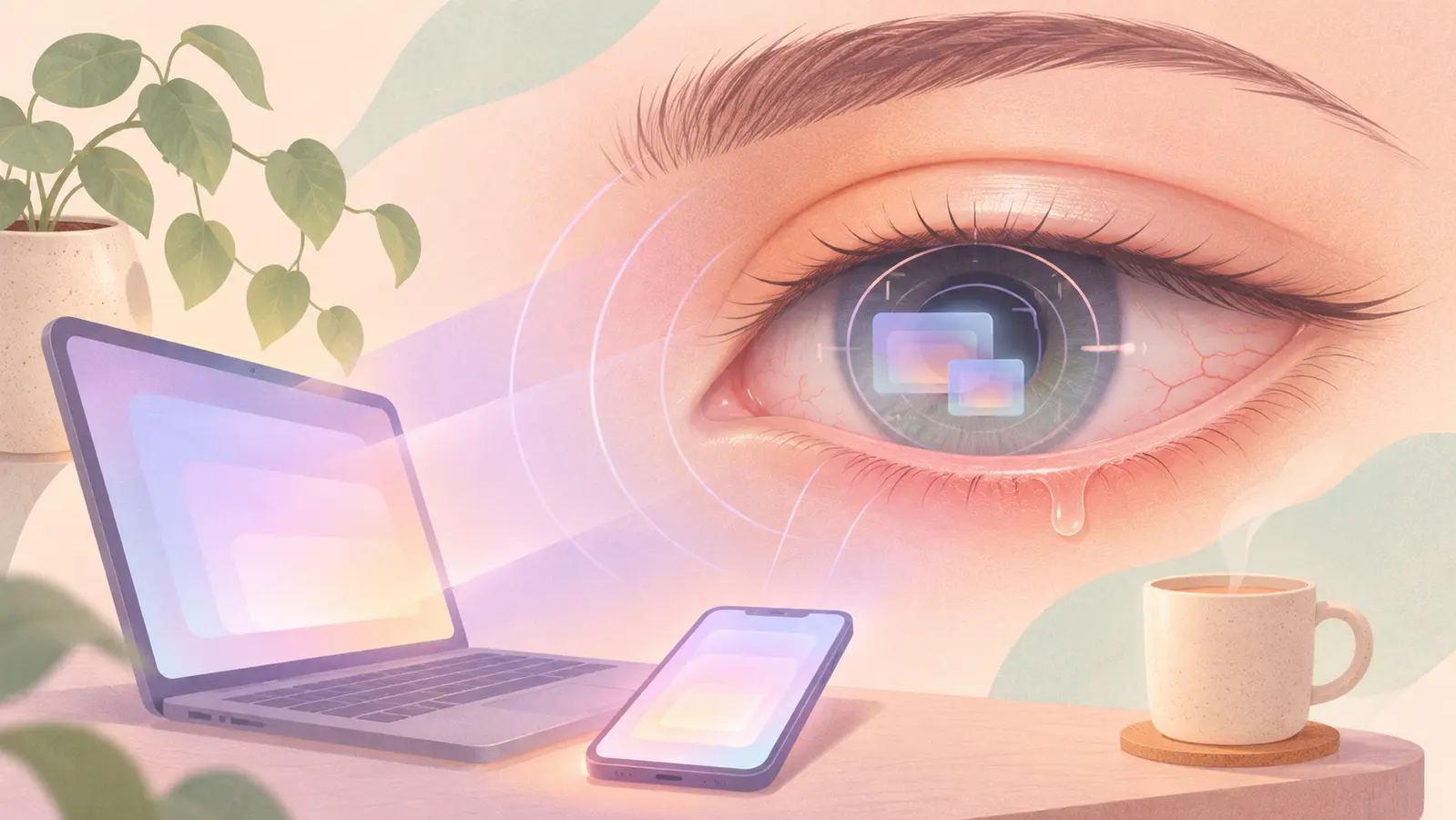
What is digital eye strain? Learn the symptoms of computer vision syndrome, why screens can make your eyes feel tired, and practical ways to reduce discomfort.
After a long day working on your computer, you might notice that your eyes feel dry, your vision is slightly blurry, or you've developed a headache. Perhaps you're also feeling some tension in your neck and shoulders after spending hours looking at a screen.
It's a familiar experience for people who work, study, or spend much of their free time using digital devices. And as screens have become part of almost everything we do, it's increasingly difficult to avoid.
There's a name for this collection of symptoms: digital eye strain, sometimes called computer vision syndrome.
The interesting thing is that digital eye strain isn't necessarily caused by screens damaging your eyes. It's more closely connected to how we use them, including how long we focus at close distances, how often we blink, and how comfortable our viewing environment is.
Understanding those differences matters because some of the most popular solutions, particularly blue-light-blocking glasses, aren't as effective as their marketing might suggest.
What Is Digital Eye Strain?
Digital eye strain describes a collection of eye and vision-related symptoms associated with extended use of computers, smartphones, tablets, and other screens.
According to the American Optometric Association, common symptoms include dry or irritated eyes, headaches, blurred vision, eye fatigue, and discomfort around the neck and shoulders.
Some people notice their eyes feel gritty or watery after working for several hours. Others struggle to refocus when looking away from their monitor or experience headaches while reading small text. Physical discomfort can accompany these symptoms, particularly when someone spends long periods leaning toward a laptop or looking down at their phone.
Digital eye strain isn't one specific disease, and ordinary screen use hasn't been shown to cause permanent eye damage simply through exposure to the screen's light. However, the discomfort is real, and it can become disruptive when someone spends much of their day working or studying digitally.
An important distinction is that many of these symptoms aren't exclusive to electronic devices. Reading a book or performing other close-up tasks for extended periods can also produce visual fatigue.
The screen itself isn't necessarily the whole problem. The way we focus, blink, and position ourselves while using it matters just as much.
Why Do Screens Make Your Eyes Feel Tired?
One of the biggest contributors to digital eye strain is something most of us rarely think about: blinking.
Blinking helps spread tears across the surface of your eyes, keeping them comfortable and properly lubricated. When you're concentrating on a computer or smartphone, however, you may blink less frequently or fail to close your eyelids completely.
The American Academy of Ophthalmology explains that reduced blinking during screen use can contribute to dry, irritated eyes. This helps explain why your eyes might feel uncomfortable after several hours of work, even when you haven't noticed anything unusual happening.
Another factor is sustained close-up focusing. Your eyes continually adjust to keep nearby objects clear, and maintaining that focus for extended periods can become tiring. This is particularly noticeable when you're reading small text, working with detailed information, or switching between a laptop and a phone held close to your face.
Your environment contributes as well. Glare from windows, reflections from overhead lights, and screens that are considerably brighter than their surroundings can make viewing uncomfortable. If the text is too small or the monitor is positioned awkwardly, you may also find yourself leaning forward or squinting without realizing it.
That last point matters because not every symptom associated with digital eye strain originates in the eyes. Neck and shoulder discomfort often comes from the posture we adopt while using screens, especially when looking down at a phone or working on a laptop positioned too low.
Existing vision problems can make things worse. An outdated prescription, astigmatism, difficulty focusing, or age-related changes in near vision may increase the effort required to work comfortably at a computer.
This is why there isn't one universal explanation for digital eye strain. Different people may experience similar symptoms for different reasons, and the most useful solution depends on what's actually causing the discomfort.
Does Blue Light From Screens Damage Your Eyes?
Blue light has become one of the most widely discussed explanations for digital eye strain. You've probably seen advertisements for blue-light-blocking glasses promising to protect your eyes from computers and smartphones.
But the scientific evidence doesn't support many of those claims.
The American Academy of Ophthalmology explains that the amount of blue light emitted by ordinary digital screens hasn't been shown to damage your eyes. The discomfort associated with prolonged screen use is more closely related to factors such as reduced blinking, sustained focusing, glare, and viewing conditions.
A particularly useful piece of evidence comes from a 2023 Cochrane systematic review, which analyzed 17 randomized controlled trials comparing blue-light-filtering lenses with ordinary lenses.
The researchers found that blue-light-filtering glasses may not reduce eye strain associated with computer use over short-term follow-up periods. They also found insufficient evidence supporting several other advertised benefits, including protection against retinal damage.
That doesn't mean light exposure is irrelevant to health. Evening light can influence alertness and sleep timing, particularly when bright screens are used close to bedtime. But that's a separate issue from whether blue-light glasses prevent eye strain.
If your eyes feel tired after working on a computer, adjusting your viewing habits is generally a better starting point than buying special glasses.
That might mean taking more frequent breaks, increasing text size, reducing glare, or checking whether your vision prescription is appropriate for the distance at which you work.
The important thing is to address the likely causes rather than assuming the color of the light is responsible.
Does the 20-20-20 Rule Actually Work?
One of the most common recommendations for digital eye strain is the 20-20-20 rule: every 20 minutes, look at something at least 20 feet away for 20 seconds.
The idea is straightforward. Instead of continuously focusing on something close to your face, you periodically look into the distance and give yourself a break from sustained near work.
It's easy to remember, requires no equipment, and can encourage more regular breaks during a long workday.
But there's an interesting distinction between the rule being practical and its precise timing being scientifically established.
A 2022 study published in Optometry and Vision Science tested different schedules of short visual breaks and found no evidence that the specific 20-second intervals provided a reliable treatment for digital eye strain.
However, a separate study published in Contact Lens and Anterior Eye found that using reminders to follow the 20-20-20 rule reduced reported digital eye strain and dry-eye symptoms, although improvements in objective eye measurements were limited.
The evidence is therefore mixed. There's good reason to avoid staring continuously at a nearby screen, but less reason to believe that exactly twenty seconds every twenty minutes is a uniquely effective formula.
I'd treat the rule as a convenient reminder rather than a strict requirement. If you've been working for a while, look away from your monitor, focus on something farther away, and take an opportunity to blink normally.
And when possible, get up and move around. That gives your eyes a break from close-up work while also helping you avoid sitting in the same position for hours.
How to Reduce Digital Eye Strain
If you spend much of your day using screens, the most useful changes are often surprisingly ordinary.
Start with your computer setup. The American Optometric Association recommends positioning your monitor roughly 20–28 inches from your eyes, with the screen slightly below eye level. That's a useful starting point, although the ideal position depends on your vision, display size, and workspace.
You shouldn't have to lean forward, squint, or hold your head at an uncomfortable angle to read what's on the screen. If you do, try increasing the font size or adjusting your display settings before assuming you need to sit closer.
Lighting matters, too. A monitor that looks extremely bright in a dark room or reflects sunlight from a nearby window can be uncomfortable to view. Adjust the brightness to suit your surroundings and reposition the screen when necessary to reduce reflections.
I'd also pay more attention to dryness. If your eyes become uncomfortable during extended computer use, make a conscious effort to blink fully and regularly. People who wear contact lenses may notice this problem more frequently, and an eye-care professional can help determine whether lubricating drops or changes to contact lens use would be appropriate.
Perhaps most importantly, try not to spend the entire day moving from one screen to another without a meaningful break.
If you work on a computer for eight hours, then spend your lunch scrolling through your phone and your evening watching videos, your eyes may get relatively few opportunities to rest from sustained viewing.
You don't need to eliminate digital entertainment, but making room for activities that involve different viewing distances and movement can help.
For people who work at computers throughout the day, our guide to how to stay focused at work offers practical ways to structure work sessions, reduce unnecessary interruptions, and build more deliberate breaks into your routine.
And if your first and last activities each day involve looking at your phone, you might also find our guide to creating a phone-free morning routine useful.
The underlying principle is simple: make screens more comfortable when you need them, and create opportunities to step away when you don't.
When Should You See an Eye Doctor?
Most digital eye strain symptoms are temporary and may improve with breaks or changes to your viewing environment. But persistent discomfort shouldn't automatically be blamed on screen time.
If you regularly experience blurred vision, headaches, dryness, or difficulty focusing that doesn't improve after adjusting your habits, it's worth scheduling an examination with an optometrist or ophthalmologist.
An eye-care professional can check for uncorrected vision problems, dry-eye conditions, and other causes that may be contributing to your symptoms. Some people benefit from prescription lenses designed for the distance at which they use their computer, which is different from simply buying glasses marketed as blue-light blockers.
Sudden vision loss, significant sudden changes in vision, or severe eye pain require prompt medical attention rather than home remedies for digital eye strain.
The point isn't to worry about every instance of tired eyes. It's to recognize when ordinary discomfort may be a sign that something else deserves attention.
Where LightScroll Fits In
Digital eye strain is a visual-health issue, and an app blocker isn't a substitute for appropriate eye care or a more comfortable workspace.
However, one practical way to reduce unnecessary screen exposure is to create boundaries around the apps that keep you scrolling long after you intended to stop.
That's part of why we created LightScroll.
LightScroll helps you establish scheduled Controls, daily time allowances, and Frictions around selected apps and websites on supported Apple devices. For example, you might want to avoid scrolling through social media during breaks from computer work or limit entertainment apps in the evening to make more time for activities away from screens.
The idea isn't to eliminate technology or suggest that every minute of screen time is harmful. It's to make unnecessary scrolling easier to interrupt so you can spend more time doing the things you actually intended.
You can learn more about how LightScroll works, or read our guide to how to stop scrolling and use your phone less.
Your Eyes Need Breaks, Not a Life Without Screens
Digital eye strain is a common consequence of spending long periods concentrating on screens, but it doesn't mean your devices are permanently damaging your eyesight.
Reduced blinking, sustained close-up focusing, uncomfortable lighting, poor screen positioning, and existing vision problems can all contribute to the discomfort.
The good news is that many of these factors are manageable. You can make text easier to read, improve your workspace, take regular breaks, and pay attention to symptoms that may require professional care.
And while products like blue-light-blocking glasses are frequently advertised as solutions, research suggests that simpler adjustments are often more relevant.
You don't need to abandon your computer, stop using your phone, or avoid every screen. For many of us, that's neither practical nor desirable.
You just need to make screen use more comfortable and remember that not every break from one screen needs to involve looking at another.
Sources and Further Reading
- American Academy of Ophthalmology. Computers, Digital Devices, and Eye Strain.
- American Optometric Association. Computer Vision Syndrome.
- Cochrane (2023). Blue-Light Filtering Spectacle Lenses for Visual Performance, Macular Health, and Sleep Quality.
- 20-20-20 Rule: Are These Numbers Justified? (2022). Optometry and Vision Science.
- The Effects of Breaks on Digital Eye Strain, Dry Eye and Binocular Vision: Testing the 20-20-20 Rule (2023). Contact Lens and Anterior Eye.