
How to Stay Focused at Work
Derek C.
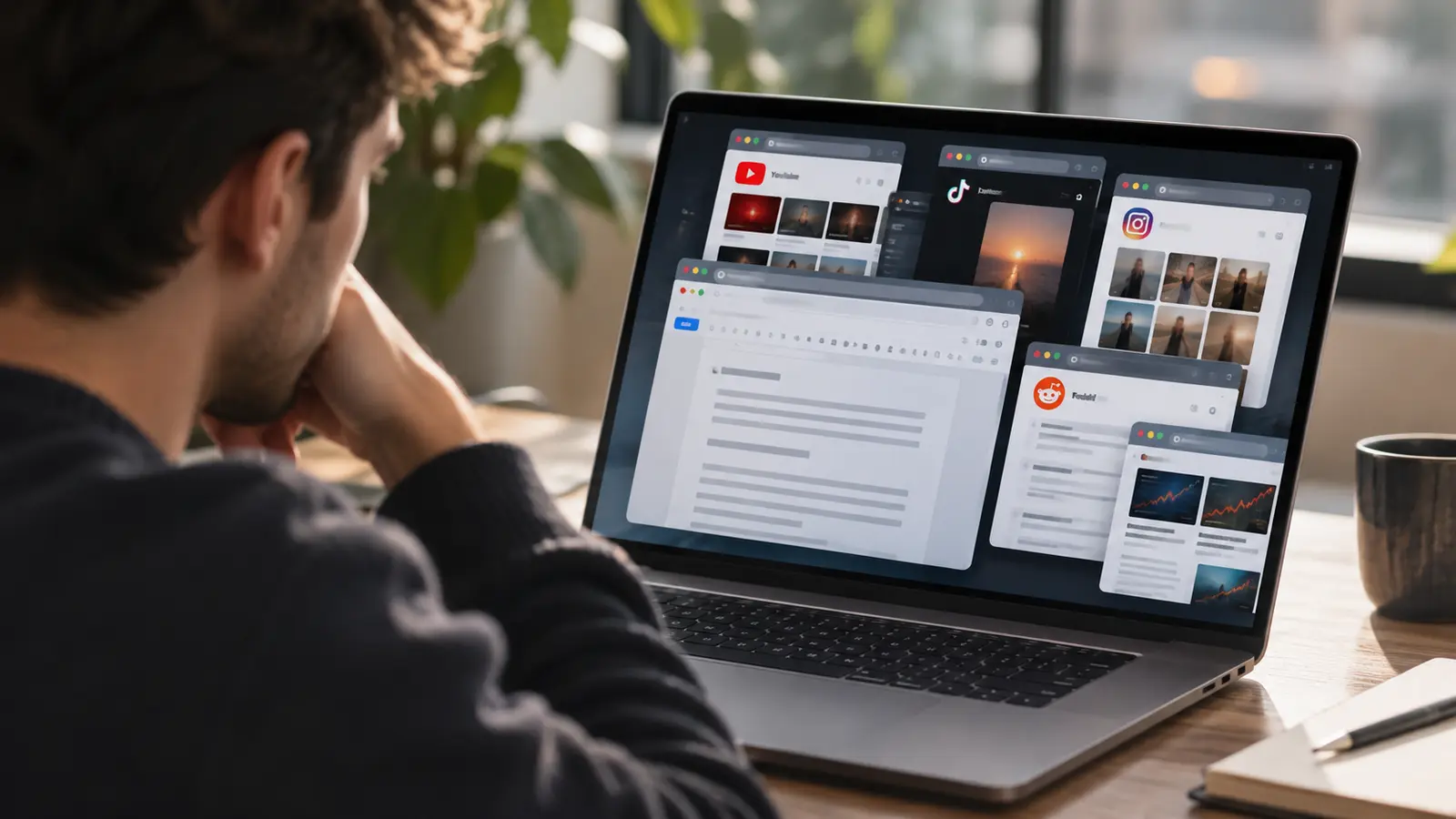
Learn how to stay focused at work with practical ways to manage distractions, structure your day, reduce digital interruptions and protect time for important tasks
Staying focused at work starts with reducing distractions, setting clear priorities, and creating time for uninterrupted work. Whether you're working from home or in an office, constant notifications, meetings, and competing tasks can make it difficult to concentrate and stay productive.
The good news is that improving your focus doesn't require working harder or following a complicated productivity system. Small changes to your daily routine, workspace, and digital habits can make a meaningful difference. Here are nine practical ways to stay focused at work and get more done without burning out.
1. Decide What Matters Before You Start Working
A long to-do list can make it difficult to know where to begin. Before opening email or jumping into messages, identify the one or two tasks that would make the biggest difference if completed today.
Write down:
- The most important task you need to move forward.
- One or two smaller tasks that also need attention.
- Anything urgent that genuinely cannot wait.
Start with the important task when your energy and attention are relatively fresh, if your role allows it. This reduces the chance that low-priority requests consume the time you intended to use for meaningful work.
Keep the list realistic. A short list you can act on is more useful than a long list that makes every task feel equally urgent.
2. Work in Focused Time Blocks
Trying to concentrate for an entire workday is unrealistic. Instead, divide work into blocks with a clear purpose.
You could start with:
- Choose one task.
- Set aside 25–50 minutes to work on it.
- Close unrelated tabs and silence nonessential alerts.
- Take a short break when the block ends.
- Repeat, adjusting the length to suit the task.
The Pomodoro Technique is one familiar approach: 25 minutes of focused work followed by a five-minute break, with a longer break after several rounds. It is a useful starting point, not a rule. Some tasks need longer uninterrupted periods, while others are easier to complete in shorter sessions.
The key is to give each block a specific outcome. “Work on the presentation” is vague; “finish the first three slides” gives you a clearer target.
3. Remove Digital Distractions Before They Interrupt You
Digital interruptions are especially difficult because they can arrive at any time. Email, chat messages, social media, news alerts and browser tabs can all pull attention away from the task in front of you.
Before a focus block:
- Silence nonessential phone notifications.
- Close tabs unrelated to the task.
- Pause social-media and news checks.
- Keep work communication available only if your role requires it.
- Put your phone out of reach if you do not need it.
You do not have to ignore colleagues or become unreachable. Set expectations with your team where possible, and keep important contacts or urgent channels available.
For more ideas on managing digital habits, see our guide to why it can be so hard to stop scrolling.
4. Check Messages at Planned Times
Email and workplace chat can create a reactive workday. Every new message feels like something to handle immediately, even when it can wait.
If your role allows, choose a few times to check messages rather than keeping your inbox open all day. For example, you might review email at the start of the day, after a focused work block and again before finishing.
Use notifications selectively. Keep alerts for urgent requests or important people, and mute channels that do not require an immediate response. If your team expects fast replies, agree on a practical response window rather than silently trying to manage every interruption.
The aim is not to communicate less. It is to avoid letting every incoming message decide what you work on next.
5. Make Your Workspace Easier to Concentrate In
Your environment can either support your attention or compete with it. A cluttered desk, background noise, frequent foot traffic or an uncomfortable setup can make it harder to stay with a task.
Try a few simple changes:
- Keep only the materials you need for the current task nearby.
- Use headphones or quiet background sound if it helps and is appropriate.
- Choose a workspace with fewer interruptions when possible.
- Keep water and other essentials nearby so you do not need to get up repeatedly.
- Adjust your chair, screen and lighting for comfort.
If you work from home, create a clear start and finish to your workday. A dedicated work area—even a small one—can help separate work time from personal time.
6. Take Breaks Instead of Pushing Through Every Dip in Focus
Concentration naturally fluctuates. When you notice yourself rereading the same sentence, switching tabs repeatedly or making avoidable mistakes, a short break may be more useful than forcing another hour of low-quality work.
Stand up, stretch, walk around or get some water. If possible, step away from your screen. When you return, decide what the next small step should be.
Breaks do not need to be complicated. A few minutes away from a demanding task can make it easier to start again. Try to avoid turning every break into an unplanned social-media session that becomes difficult to end.
7. Reduce Unnecessary Meetings and Context Switching
Switching between unrelated tasks has a cost. A day filled with short meetings, quick requests and constant changes in priority can leave little time for sustained work.
Where you have influence, group similar tasks together and protect blocks for work that needs concentration. Ask whether a meeting needs to happen live or whether an update could be shared in writing. When a meeting is necessary, make its purpose and desired outcome clear.
You may not control your calendar, especially in a collaborative role. But even small changes—such as grouping administrative tasks or reserving one meeting-free block—can make the day feel less fragmented.
8. Match Difficult Work to Your Energy
Not every hour is equally productive. Pay attention to when you tend to think clearly and when your energy usually dips.
If you are most alert in the morning, use that time for writing, analysis, planning or other demanding work. Save routine administration for a lower-energy period if your schedule permits. If your focus improves later in the day, organize your tasks around that pattern instead.
Sleep, stress, meals, movement and workload can all affect how focused you feel. A productivity technique cannot compensate indefinitely for exhaustion or an unrealistic workload. If concentration has become persistently difficult, consider whether you need rest, support or a conversation about your responsibilities—not another app or stricter schedule.
9. Create a Simple End-of-Day Routine
A few minutes of planning at the end of the day can make it easier to focus tomorrow.
Before you finish:
- Note what you completed.
- Write down unfinished tasks that need follow-up.
- Choose the most important task for the next workday.
- Close work tabs and put away materials.
- Step away from work when your day is done.
This helps reduce the feeling that you need to keep checking messages or mentally rehearsing everything you have not finished. It also gives you a clear starting point the next morning.
A Simple Daily Routine for Better Focus at Work
If you are not sure where to start, try this basic structure and adapt it to your role:
- Start of day: Choose priorities and check urgent messages.
- First work block: Work on your most important task.
- Mid-morning: Take a short break and review messages.
- Midday: Handle meetings, collaboration or administrative work.
- Afternoon: Complete a second focused work block.
- End of day: Close open loops and plan tomorrow.
This is a framework, not a rigid schedule. Customer-facing, shift-based and collaborative jobs may require more frequent communication. The goal is to create some protected time for concentrated work wherever your responsibilities allow.
How to Stay Focused When Working From Home
Remote work can reduce office interruptions, but it introduces other distractions: household tasks, deliveries, family responsibilities, personal devices and the temptation to move between work and entertainment.
A few habits can help:
- Start and finish work at reasonably consistent times.
- Use a designated workspace when possible.
- Tell household members when you need uninterrupted time.
- Schedule breaks rather than drifting into chores.
- Keep personal browsing and social media out of work blocks.
- Take a walk or get outside when the workday ends.
If you work remotely, avoid assuming that every distraction is a failure of discipline. Some interruptions are part of home life. Build a routine that accounts for them rather than expecting every day to be perfectly quiet.
How LightScroll Can Help Reduce Digital Distractions at Work
Sometimes the hardest part of staying focused is not the task itself—it is the apps and websites that are always available when you feel bored, stuck or ready for a quick break.
LightScroll helps you set boundaries around distracting apps and websites on supported Apple devices. You can create Controls for selected apps or sites, choose schedules and time allowances, and add Frictions that introduce a deliberate pause before an allowed session.
For example, you could limit access to social media during your usual work hours while keeping messaging and essential work tools available. When you choose to take a break, you can allow a session rather than relying on willpower alone.
LightScroll is not a replacement for workplace communication tools or a way to manage your workload. It helps you manage your own access to digital distractions. Learn more about how LightScroll works.
LightScroll for Teams: Building a More Focused Workplace
Staying focused is not always just an individual challenge. When a workplace culture encourages constant notifications, immediate replies and frequent context switching, even motivated employees can struggle to protect their attention.
Teams can support better focus by establishing shared expectations around communication, encouraging uninterrupted work periods and making room for healthier digital habits.
LightScroll for Teams offers a team-focused approach to building more intentional relationships with technology. Whether employees work remotely, in an office or in a hybrid environment, the goal is to encourage better digital habits and make room for more meaningful work.
Explore LightScroll for Teams to learn how your organization can encourage focus and healthier screen-time habits.
For a broader perspective, read about the benefits of limiting screen time and healthy screen time for adults.
The Bottom Line
To stay focused at work, decide what matters, work in manageable blocks, reduce avoidable interruptions and take breaks when you need them. You do not need to be productive every minute of the day. You need enough uninterrupted time to make meaningful progress on the work that matters.
Start with one change: choose your most important task tomorrow and protect one focused block to work on it. Build from there.
For individuals and organizations looking to reduce digital distractions, LightScroll and LightScroll for Teams can help support more intentional technology use.
Frequently Asked Questions
Why Is It So Hard to Stay Focused at Work?
Workplace distractions, frequent messages, meetings, unclear priorities, fatigue and stress can all make concentration harder. Often, the problem is not a lack of motivation but a workday structured around constant interruptions and task switching.
How Long Should I Focus on Work Before Taking a Break?
There is no single ideal interval. Some people prefer 25-minute Pomodoro sessions, while others work better in 45- or 50-minute blocks. Experiment with a length that lets you concentrate without becoming exhausted.
How Can I Focus at Work When I Keep Checking My Phone?
Silence nonessential notifications, move your phone out of reach during focused work and decide when you will check messages or social media. If you repeatedly open distracting apps automatically, consider using app limits or blocking tools to add a boundary.
How Do I Stay Focused While Working From Home?
Create a consistent routine, designate a workspace, communicate when you need uninterrupted time and schedule breaks. Keep household tasks and personal browsing outside your focused work blocks where possible.
Does Multitasking Help Productivity?
Switching repeatedly between unrelated tasks can make it harder to maintain attention and can increase the time needed to complete work. When possible, finish one defined task or work block before moving to another.
How Can Teams Improve Focus at Work?
Teams can reduce unnecessary meetings, set clear expectations around response times, create opportunities for uninterrupted work and encourage healthier digital habits. Solutions like LightScroll for Teams can support a more intentional approach to technology use in the workplace.
Sources and Further Reading
- American Psychological Association: Multitasking and Switching Costs
- Microsoft WorkLab: Research and Insights on Focus and Productivity
- Harvard Business Review: Management and Workplace Productivity
These resources provide broader context on attention, task switching and workplace practices. Individual routines and workplace demands vary, so use the suggestions as starting points rather than universal rules.