
How to Stay Focused While Studying: Set Up Your Phone First
Derek C.
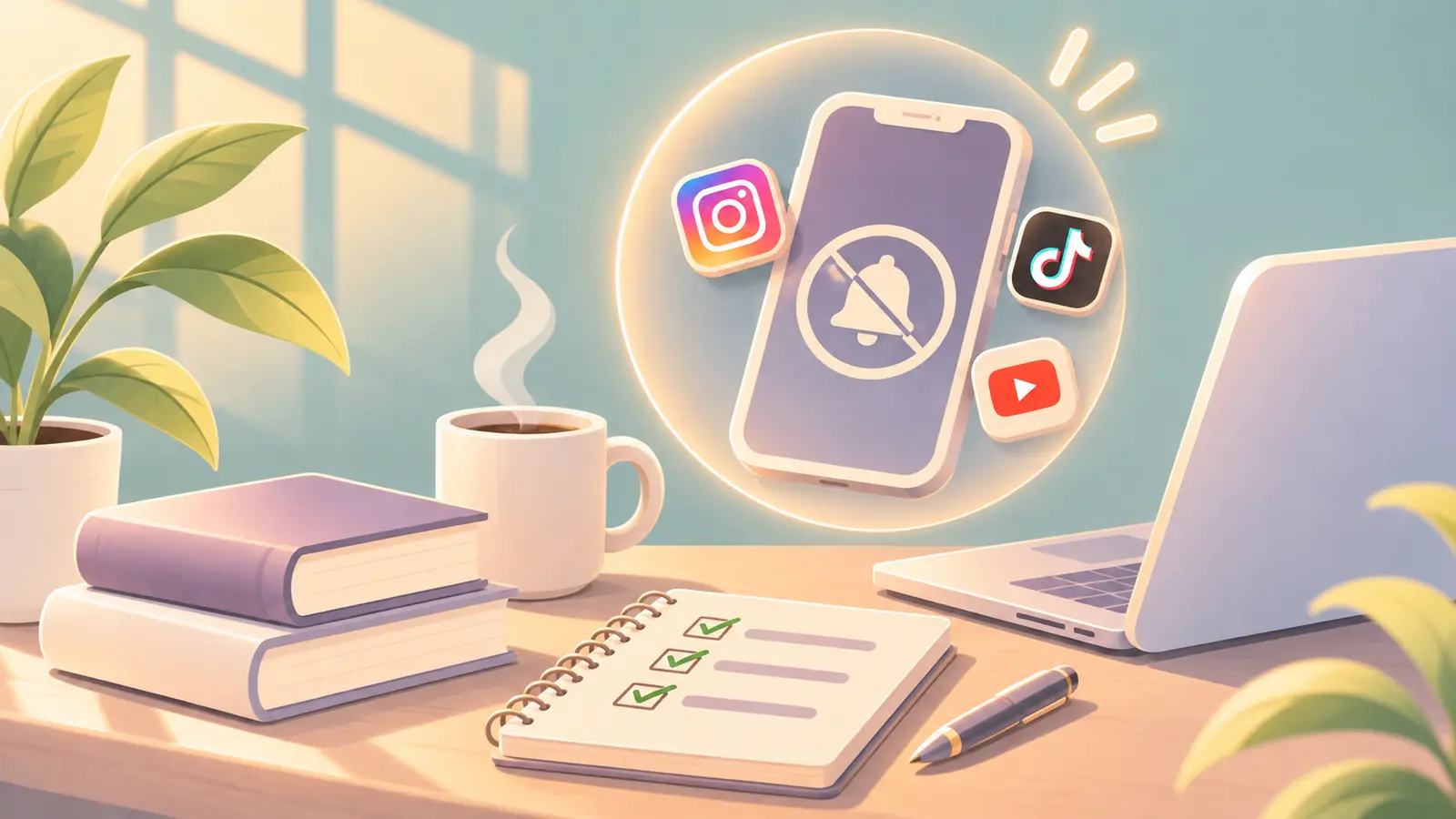
Learn how to stay focused while studying with a simple phone setup: silence distractions, block tempting apps and websites, and protect each study session.
You've set aside the afternoon to study. Your laptop is open, your notes are ready, and you know what you need to get done. Then you pick up your phone to check one notification. A few minutes later, you're scrolling through Instagram, watching videos, or replying to messages, and the study session you planned hasn't really started.
The problem isn't always a lack of discipline. Phones are designed to make checking them effortless, while studying requires sustained attention. Even when you put your phone down, knowing that notifications and interesting updates are waiting can make it harder to concentrate.
One of the best ways to improve your focus is to set up your phone before you start studying. Instead of relying on willpower every time you feel distracted, you can create boundaries around the apps and websites that pull you away from your work.
This is exactly what LightScroll is designed to help with. LightScroll lets you control when you can access distracting apps and websites, add deliberate pauses before opening them, and create stronger boundaries around your screen time. Rather than trying to avoid your phone through sheer discipline, you can make it work around your priorities.
Here's how to build a study routine that makes staying focused easier.
1. Block distracting apps during study hours
Start by identifying the apps that tend to interrupt your study sessions. For most people, these are social media and entertainment apps such as Instagram, TikTok, YouTube, Snapchat, and Reddit. You might open one while taking a short break, but it's easy for that quick check to become twenty minutes of scrolling.
Rather than deleting these apps entirely, consider restricting access during the hours you want to concentrate. You might want social media available during lunch and in the evening, but not while you're preparing for an exam or working through an assignment. The goal is to make time for the things you enjoy without letting them compete with your responsibilities.
LightScroll makes this possible with Controls. You can select the apps or websites you want to restrict, choose the days and times your Control applies, and decide how access should work. For example, you could create a weekday study schedule that restricts Instagram and TikTok from 9 AM to 1 PM, while keeping messaging, music, and educational apps available.
You can also create different Controls for different parts of your day. Perhaps social media is restricted during morning study sessions but available in the afternoon, or entertainment websites are blocked during the hours you typically work on assignments. Your boundaries can reflect your actual routine rather than forcing you to follow a one-size-fits-all screen-time limit.
This is one of the biggest advantages of setting up your phone in advance. You don't have to decide whether to open a distracting app every time the temptation appears. You've already made that decision when you created your schedule.
Explore how LightScroll works, or download it on the App Store.
2. Make it harder to open distracting apps automatically
Blocking apps during certain hours is a great starting point, but there's another habit worth addressing: automatically reaching for your phone whenever you have a spare moment.
You might unlock your phone while waiting for a page to load, check Instagram when a question becomes difficult, or open TikTok simply because you're bored. Often, you aren't making a conscious decision to take a break. You're just following a familiar habit.
This is where LightScroll's Frictions become particularly useful. Frictions introduce a deliberate pause before you access an app, creating a moment between the impulse to check your phone and actually opening it. That interruption gives you time to reconsider whether you really want to step away from your work.
For example, if you find yourself instinctively opening Instagram whenever you get stuck on an assignment, a Friction can help break that automatic behavior. Instead of immediately entering the app, you're prompted to pause and make a more intentional choice.
It's a small change, but those small interruptions can add up. The objective isn't to make using your phone unpleasant. It's to stop every passing impulse from turning into another distraction.
You can learn more about the idea in our guide to digital friction and how it can change your phone habits.
3. Give your study sessions stronger boundaries with LightScroll
Sometimes a simple app restriction isn't enough. You might have a deadline approaching, an important exam to prepare for, or a particularly difficult assignment that requires your full attention. In those situations, having stronger boundaries can make a meaningful difference.
LightScroll includes additional tools designed for these moments. Timed goals let you establish a defined period for your screen-time boundaries, giving your study session a clear duration. Plus, Hardcore Mode offers stronger restrictions when you want to make it more difficult to bypass your Controls.
There are also options such as Allow no time and No way out for people who want to establish particularly firm limits. These features are useful when you know that having an easy way around your restrictions is likely to undermine your intentions.
The important thing is that you can choose how much structure you need. You might use a straightforward scheduled Control during a normal week and stronger settings when preparing for finals. Your phone boundaries can become more deliberate when your priorities demand it.
Instead of asking yourself to resist distractions dozens of times throughout the day, you establish the rules before you begin. That's a much more sustainable way to approach focused study.
4. Put your phone somewhere you can't constantly see it
Even with app restrictions in place, your physical environment matters. If your phone is sitting next to your notebook or keyboard, it's always within reach. Even without a notification, seeing it can remind you of messages, social media, and everything else you could be doing.
Try leaving your phone in another room, putting it inside a drawer, or placing it somewhere behind you while you study. If you need it for a timer, music, or a particular learning app, keep it accessible for that purpose without making it the center of your workspace.
You can also use your iPhone's Focus modes to reduce interruptions. A dedicated Study or Work Focus can silence notifications from selected apps and people, helping you avoid unnecessary interruptions while you're concentrating. If you study on a Mac, consider using its Focus settings as well so notifications aren't simply moving from one screen to another.
LightScroll and these environmental changes work well together. Your Controls establish which apps you can access, Frictions make automatic checking less effortless, and putting your phone out of sight removes another source of distraction. You don't need to rely on a single technique to stay focused.
5. Structure your study time around realistic goals
Another reason studying can feel difficult is that it often has no obvious stopping point. You sit down intending to work, but the task feels endless. When there's no clear structure, it's easy to take frequent breaks, check your phone, and lose track of how much time has passed.
Try breaking your work into focused sessions. The Pomodoro Technique is one familiar approach: study for 25 minutes, take a five-minute break, and repeat. You can also use longer sessions, such as 45 or 50 minutes, if that suits the material and your attention span better.
The exact interval isn't especially important. What matters is having a defined period when your attention belongs to the task in front of you. During that time, avoid switching between assignments, checking messages, or opening social media. When the session ends, take a genuine break rather than letting one distraction lead into another.
Before starting, decide what you want to accomplish. That might mean reading a chapter, completing a set of practice questions, reviewing lecture notes, or writing a particular section of an assignment. A specific goal gives you something concrete to return to whenever your attention wanders.
LightScroll's Timed goals can complement this approach by giving your phone restrictions a defined duration. You can establish your study boundaries, set your intended session, and get started without constantly having to reconsider whether you should check an app.
6. Build a routine that works beyond exam week
It's tempting to make dramatic changes when an exam or deadline is approaching. You might delete social media, turn off every notification, or attempt to study for several hours without a break. Those approaches can work temporarily, but they're often difficult to maintain once the immediate pressure disappears.
A better approach is to create a routine that makes focused work a normal part of your day. Choose consistent study hours, establish boundaries around distracting apps, and give yourself planned opportunities to check messages and catch up with friends. When you know you'll have time for those things later, it's easier to leave them alone while you're working.
It's equally important to make room for activities that don't involve your phone. Go for a walk, exercise, read, spend time with friends, or simply take a break without filling every quiet moment with scrolling. If you're looking for ideas, our article on what to do instead of doomscrolling offers some practical alternatives.
The aim isn't to become someone who never gets distracted. It's to build an environment where paying attention is easier, where breaks are intentional, and where your phone doesn't automatically take over every spare moment.
Make your phone work around your studies with LightScroll
Staying focused shouldn't mean spending your entire study session fighting the temptation to check your phone. The more often you have to rely on willpower, the more opportunities there are for distractions to take over.
LightScroll helps you establish those boundaries in advance. Create Controls for distracting apps and websites, schedule them around your study hours, and use Frictions to interrupt the habit of automatically opening apps. When you need more structure, Timed goals and Hardcore Mode provide additional ways to make your boundaries stick.
Whether you're preparing for exams, working through a university assignment, or simply trying to get more done during the day, a little structure around your phone can make a real difference.
Set up your phone before your next study session. Make room for life beyond the screen.
Download LightScroll on the App Store.
Frequently Asked Questions
How can I focus on studying without getting distracted by my phone?
Start by identifying the apps that interrupt you most often and setting boundaries around when you can access them. Silence unnecessary notifications, keep your phone out of reach, and use focused study sessions with planned breaks. LightScroll can help by restricting distracting apps and websites during your scheduled study hours.
How do I stop checking my phone while studying?
Make checking your phone less automatic. Put it somewhere you can't easily reach, silence notifications, and consider adding a pause before opening distracting apps. LightScroll's Frictions introduce a deliberate interruption before accessing selected apps, helping you recognize the habit and make a more conscious decision.
Should I block social media while studying?
If social media regularly interrupts your work, restricting it during study hours can help. You don't necessarily need to delete the apps permanently. With LightScroll, you can create scheduled Controls for apps such as Instagram, TikTok, and Snapchat, making them unavailable or limiting access during the periods when you need to concentrate.
Is it better to turn your phone off while studying?
Turning your phone off can be effective, but it isn't necessary for everyone. If you use your phone for music, timers, authentication, or educational tools, a more practical approach may be to restrict distracting apps while keeping essential functions available.
How long should I study before taking a break?
The Pomodoro Technique recommends 25 minutes of focused work followed by a five-minute break. Some people prefer longer sessions of 45 to 50 minutes. Experiment with different intervals and choose a structure that helps you maintain attention without becoming mentally exhausted.
How can I stay focused while studying for exams?
Create a realistic study schedule, break large topics into smaller tasks, and establish phone boundaries before each session. Prioritize active study methods such as practice questions and reviewing material from memory. Restricting distracting apps during planned study hours can also help you maintain consistency as exams approach.