
Why Adding a Little Friction to Your Phone Can Help
Derek C.
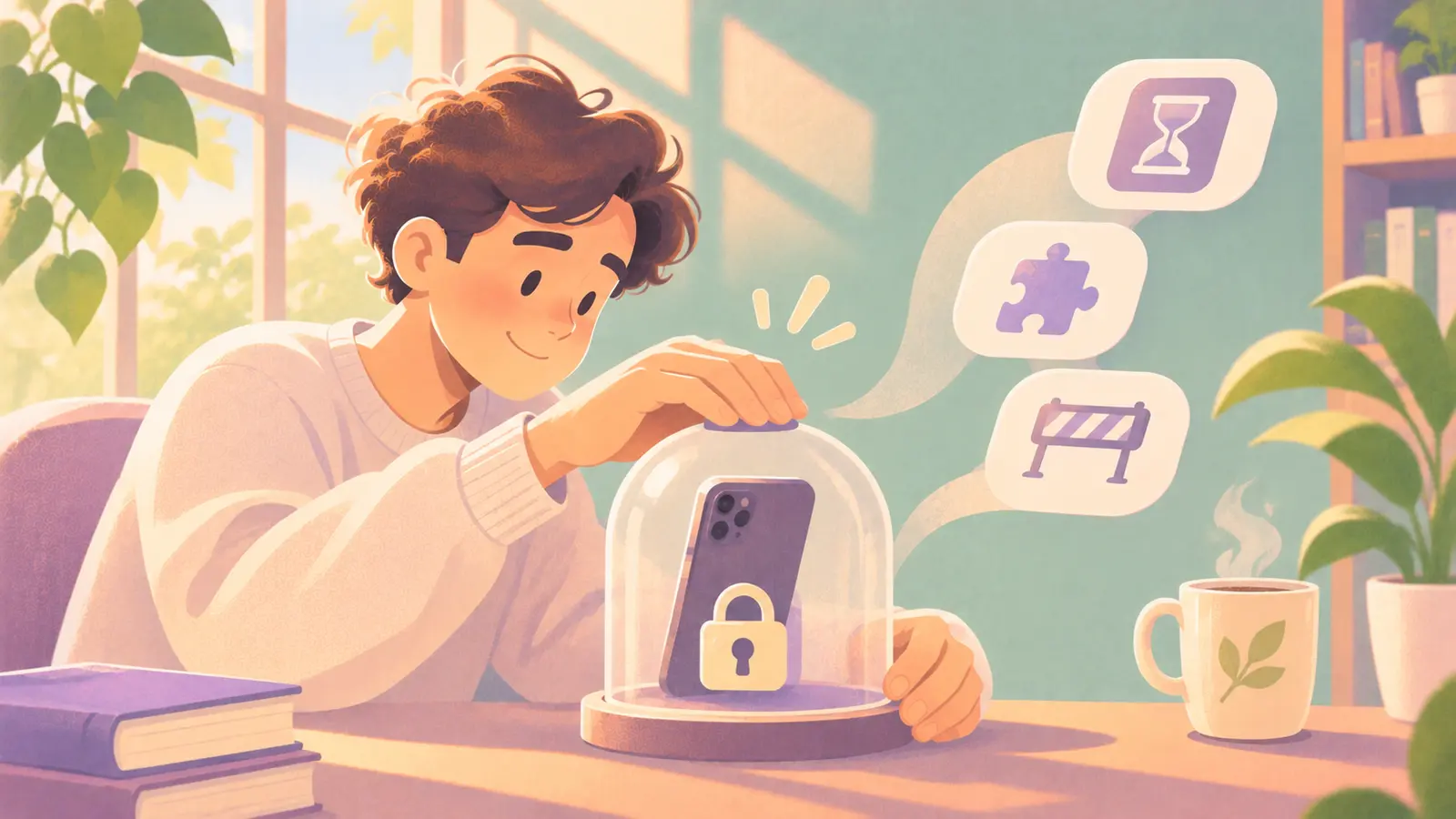
Digital friction adds small pauses or obstacles before distracting apps open, giving you a moment to decide whether you actually meant to use them.
Have you ever opened Instagram, Reddit, Instagram, TikTok, or YouTube and realized you never really decided to?
You picked up your phone to check the weather, reply to a message, or look something up. A minute later, you’re somewhere else entirely. Your thumb got there before the rest of you had much of a say.
That’s the kind of moment digital friction can help with.
We like the internet. It lets us learn things, make things, talk to people we care about, and stay connected across impossible distances. The problem isn’t that screens are bad. It’s that a lot of digital experiences are incredibly good at keeping our attention once they have it.
Sometimes making your phone slightly less effortless is enough to give some of that attention back.
What does “friction” actually mean?
Friction is just a small obstacle between an impulse and an action.
Most technology is designed to remove it. Fewer taps, instant playback, saved passwords, one-click purchases. Usually that’s great. Nobody wants a twelve-step process just to check the weather.
But removing every bit of friction becomes less helpful when you’re trying to do something less automatically.
Think about keeping a bowl of candy on your desk versus putting it in a cupboard. You can still have the candy. One setup just creates a small moment where you have to decide whether you actually want it.
The same idea works on your phone. Maybe an app takes an extra step to open. Maybe there’s a short pause. Maybe you see the limit you set earlier before continuing. Maybe certain apps become a little harder to access while you’re working, reading, or getting ready for bed.
It isn’t necessarily a locked door. It’s a chance to reconsider.
Why can such a small pause make a difference?
A lot of phone use isn’t really planned. There’s a big difference between thinking, I want to check what my friends posted today, and finding yourself ten minutes into a feed because you instinctively tapped the icon while waiting for the microwave.
When the path from impulse to app is almost instant, there isn’t much opportunity for your intentions to catch up.
A little friction creates that opportunity.
Sometimes you pause and still decide to open the app. Great. You wanted to be there. Other times the pause is enough to remember, Oh, right. I was reading. Or working. Or about to go to sleep. Or talking to someone sitting three feet away.
That tiny moment of awareness is the point. The goal isn’t to stop you from using your phone. It’s to make automatic use feel a little more like a choice again.
Start with the smallest thing that works
There’s a tendency with screen-time advice to jump from “I spend too much time on Instagram” to “delete Instagram forever.”
For some people, that might work. But it doesn’t have to be the starting point.
Try turning off a notification. Move an app away from your Home Screen. Log out when you’re finished. Decide that certain feeds are off-limits during one part of your day. Add a small pause before opening the app.
The best friction is usually the smallest amount that actually changes your behavior.
If moving Instagram into a folder means you stop opening it every time your phone is in your hand, wonderful. You do not need to build Fort Knox around it. If you keep finding the folder anyway, you can add another step.
This should make your phone more intentional, not miserable.
Decide ahead of time
One of the hardest things about relying on willpower is that it asks you to make the right decision at exactly the moment you’re most tempted to do something else.
It’s much easier to decide earlier.
Maybe you know you want an uninterrupted hour of work in the morning. Maybe you’d rather Reddit stay out of your bedtime routine. Maybe you want twenty minutes with a book before you start checking social media.
Those decisions are easier to make when the app isn’t already open in front of you.
Think of friction as a message from the version of you who made the plan to the version of you who forgot it later.
That’s why timing matters too. You probably don’t need the same rules all day. Instagram might be completely fine at lunch and a constant distraction at 9:30 in the morning. YouTube might be something you intentionally enjoy after dinner but something you’d rather not disappear into during work.
The point is to decide what deserves your attention before everything starts competing for it.
This is the idea behind LightScroll
LightScroll is built around deliberate friction. You create Controls around the apps and websites that tend to pull you in, decide when those Controls apply, give yourself some time if you want it, and then choose what should happen when you try to open them.
That friction can be pretty light. You might get a short pause, take a few deep breaths, complete a quick mini-game, or simply wait before continuing. The idea is to interrupt the automatic tap long enough for your brain to catch up with your thumb.
If you know lighter friction isn’t enough, you can make things tougher. Hardcore Mode makes your Control much harder to change once you’ve committed to it, so you can’t simply rewrite the rules the moment they become inconvenient. And if you’ve used up your time for the day, you can choose an accountability setup where getting more access requires a six-digit unlock code from someone you trust.
The point isn’t to make your phone impossible to use. It’s to let you choose how much help you need. Sometimes a deep breath is enough. Sometimes you need a ten-minute wait. Sometimes you need a friend holding the key.
Not a locked door by default, just enough space to remember what you meant to do and choose again.
Friction is more useful when it protects something
Making your phone annoying for no reason would be a strange goal.
It helps to know what you’re making room for.
Maybe it’s twenty minutes with a book. Maybe it’s dinner without checking notifications. Maybe it’s an hour of focused work, a walk, a movie you actually watch instead of half-watching while scrolling, or getting into bed without donating another forty-five minutes to a feed you won’t remember tomorrow.
Those are much easier things to care about than simply trying to get your Screen Time number as low as possible.
Friction isn’t really about taking something away. It’s about giving something else a better chance.
Progress is enough
You’re still going to get distracted sometimes. You’ll ignore a limit you set. You’ll have evenings where scrolling for an hour is exactly what you feel like doing.
That’s fine.
A healthier relationship with technology doesn’t need to mean perfect discipline. It can simply mean noticing your choices a little more often and returning to what you meant to do when you drift away from it.
So start with one app you open almost without thinking. Turn off one notification. Move it somewhere less obvious. Decide when you actually want to use it. Add one tiny speed bump.
Then see what happens.
Technology has spent years getting incredibly good at removing friction. Sometimes adding a little bit back is exactly what we need to make more room for life beyond the screen.
Want to try adding a little friction for yourself? Try LightScroll and create a Control for the app or website you find yourself opening most automatically.