
Push Notifications and the Hidden Cost to Your Focus
Derek C.
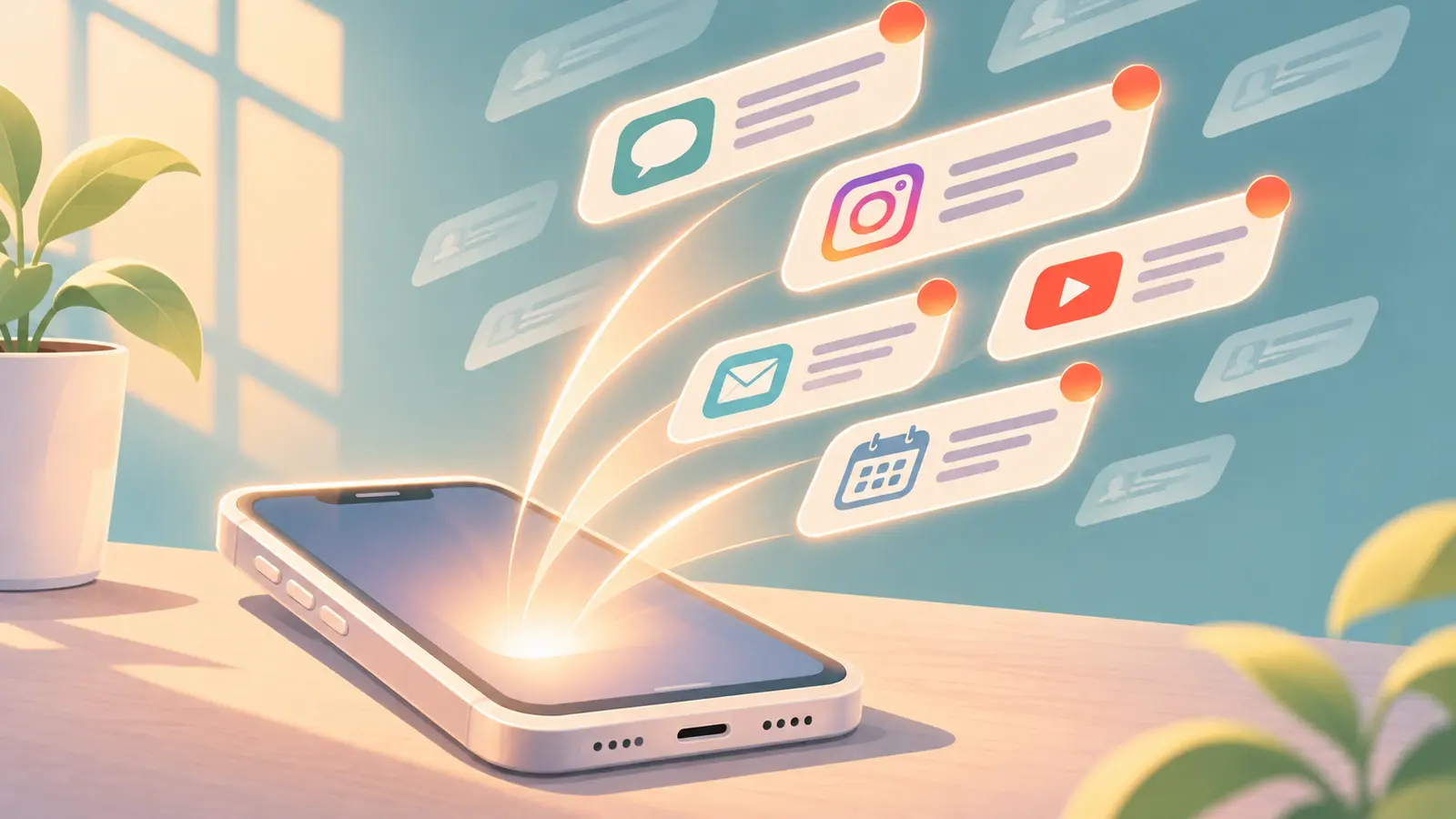
Push notifications keep you updated, but constant alerts can interrupt focus and increase distraction. Learn what research says and how to manage them.
Push notifications keep you updated, but every alert competes for a share of your attention. A message from someone important may deserve an immediate response; a social-media like, shopping promotion or suggested video usually does not. When every app can interrupt you, it becomes harder to decide what deserves your attention.
The issue is not that push notifications are inherently bad. They can deliver useful reminders, security alerts and time-sensitive information. The problem is allowing too many apps to treat ordinary updates as urgent. Research suggests that even notifications you do not open can disrupt attention, while constant alerts can make it harder to stay focused on the task in front of you.
The goal is not to turn your phone into a silent brick. It is to make push notifications intentional: keep the alerts that serve a real purpose and reduce the ones that repeatedly pull you back into an app.
Push Notifications Can Interrupt You Before You Touch Your Phone
A push notification does not need to lead to a screen check to become a distraction. Research by Cary Stothart, Ainsley Mitchum and Courtney Yehnert, published in the Journal of Experimental Psychology: Human Perception and Performance in 2015, found that receiving a cell-phone notification significantly disrupted performance on an attention-demanding task—even when participants did not interact with their phones.
That matters because the interruption can start before you pick up the device. A sound, vibration or banner can prompt questions such as “Who was that?”, “Is it important?” or “Should I check it later?” Your hands may stay on the task while part of your attention has already moved elsewhere.
A notification can also create a decision you did not intend to make: whether to stop, check, dismiss or remember to come back to it. Repeated across the day, those small interruptions can fragment the time you meant to spend reading, working, studying or talking with someone.
The Interruption Can Outlast the Alert
The banner disappears, but your attention may not return to the original task immediately. You might wonder what the message said, remember that you need to reply, or feel tempted to check the app when you reach a stopping point.
A 2016 study presented at the ACM CHI Conference, “Silence Your Phones,” followed 221 people and compared periods when notifications were enabled and phones were nearby with periods when alerts were off and phones were kept away. Participants reported more inattention and hyperactivity symptoms during the interruption-heavy condition. The researchers also found that greater inattention was associated with lower reported productivity and psychological well-being.
That study did not diagnose participants with ADHD, and it does not show that notifications cause the disorder. It does suggest that frequent interruptions can make it harder to stay mentally engaged with the task in front of you.
A separate 2022 PLOS ONE study by Joshua Upshaw and colleagues found slower responses on trials paired with smartphone-notification sounds than on trials paired with control sounds. The researchers also measured differences in brain activity associated with cognitive control and attention. The behavioral effect was limited, so it should not be exaggerated into a claim that every notification meaningfully harms cognition.
The practical takeaway is straightforward: the attention cost of a push notification is not limited to the time you spend tapping it.
Push Notifications Can Affect Stress and Your Sense of Control
Push notifications can make a phone feel less like a tool you choose to use and more like a stream of requests you are expected to answer. Messages, work updates, breaking news, delivery alerts, social reactions and promotional offers all compete for the same limited attention.
A 2019 randomized field experiment by Nicholas Fitz, Kostadin Kushlev and colleagues tested notification batching with 237 participants over two weeks. Participants received alerts as usual, had them delivered in predictable batches, or received no notifications. The group that received notifications three times a day reported feeling more attentive, productive, in control of their phones and less stressed than the usual-notification group. Completely switching off notifications did not produce the same benefits and was associated with more anxiety and fear of missing out.
The result challenges the idea that the best solution is to disable everything. Predictable access to non-urgent updates may be more sustainable than either constant interruptions or total disconnection.
What Is Notification Fatigue?
Notification fatigue is an informal term for feeling overwhelmed, distracted or less responsive after receiving too many alerts. It is not a medical diagnosis. It describes a familiar experience: when every app treats its updates as urgent, you may start ignoring alerts altogether, clearing them automatically or checking your phone simply to see what has arrived.
The problem is not that every push notification is harmful. A call from family, a security alert, a calendar reminder or a time-sensitive work message can be genuinely useful. The problem is allowing low-value alerts to compete with those important ones.
Seven Ways to Reduce Push Notification Distractions
You do not need to disable every notification to get your attention back. Start by reducing the alerts that rarely help you make a useful decision.
1. Audit Which Apps Are Allowed to Send Push Notifications
Open your notification settings and review the list app by app. Ask whether each alert is useful immediately, useful later or mostly an invitation to reopen the app. Social-media likes, suggested posts, shopping promotions, game rewards and marketing messages are often good candidates to remove first.
2. Keep Alerts From People and Essential Services
Preserve notifications that help you respond to people or handle something time-sensitive. That might include calls and messages from important contacts, calendar reminders, banking security alerts, travel updates or delivery notifications you are actively waiting for. The right exceptions depend on your work and personal responsibilities.
3. Turn Off Notifications Designed to Bring You Back
Many apps send push notifications even when nothing requires your attention. You may not need to know every time someone likes a post, a creator uploads a video or an online store starts a sale. Disable these categories inside the app or in your phone's notification settings rather than treating every alert as equally important.
4. Batch Non-Urgent Notifications
If you still want updates but do not need them instantly, use a scheduled notification summary where available or choose a few deliberate times to check them. Apple's Scheduled Summary, for example, can collect selected app notifications for delivery at times you choose. Keep genuinely urgent alerts outside that summary.
The point is to replace unpredictable interruptions with a routine you control. You can still catch up without letting every update dictate when you stop working.
5. Use Focus or Do Not Disturb During Important Work
Set a predictable quiet period for focused work, studying, meals or time with other people. Apple's Focus features let you choose which people and apps can notify you during a particular Focus. Android's Do Not Disturb settings offer similar controls, though the exact options vary by device and software version.
Start with a realistic window—perhaps 30 to 60 minutes—rather than trying to stay unreachable all day. Allow calls or messages from the people who may genuinely need to reach you.
6. Move Distracting Apps Off Your Home Screen
Removing an app from the first screen you see will not stop its push notifications, but it can reduce the visual prompts that encourage an automatic tap. Keep essential tools easy to reach and place high-distraction apps in a folder or on a later screen. Pair this with notification changes for a more meaningful reduction in interruptions.
7. Create Specific Times to Check Updates
Instead of reacting to every alert, decide when you will check email, social media, news and other non-urgent apps. For example, you might review messages after finishing a work block and check social apps during a planned break. The best schedule is one that fits your responsibilities and that you can actually maintain.
How to Make Your Phone Less Distracting Overall
Notification settings address one source of interruption, but they do not address every reason you reach for your phone. You may silence an alert and still open an app out of habit, boredom or curiosity.
That is where broader screen-time habits matter. Start by identifying the apps that consume more time than you intend, then create boundaries around when you use them. You can also read our guide to why it can be so hard to stop scrolling and our overview of the benefits of reducing screen time.
LightScroll takes a complementary approach: it helps you set limits on distracting apps and websites, add friction before opening them, and build more intentional routines across iPhone and Mac. It is not a push-notification manager, and it does not replace your phone's notification settings. It helps address the next step: what happens when you decide to open a distracting app.
The Bottom Line
Push notifications are useful when they help you respond to something that matters. But when every app can interrupt you at any moment, your attention becomes fragmented and your day is shaped by other people's prompts.
You do not need to disconnect completely. Keep the alerts that serve a real purpose, silence the ones that do not, and set deliberate times to catch up on everything else. A phone should help you stay connected—not make you feel constantly on call.
If you want more control over what happens after you unlock your phone, explore LightScroll and build boundaries around the apps and websites that pull you away from what matters.
Sources
- Stothart, C., Mitchum, A. & Yehnert, C. (2015). The attentional cost of receiving a cell phone notification. Journal of Experimental Psychology: Human Perception and Performance.
- Kushlev, K., Proulx, J. & Dunn, E. W. (2016). “Silence Your Phones”: Smartphone Notifications Increase Inattention and Hyperactivity Symptoms. Proceedings of the 2016 CHI Conference on Human Factors in Computing Systems.
- Fitz, N. et al. (2019). Batching smartphone notifications can improve well-being. Computers in Human Behavior.
- Upshaw, J. D. et al. (2022). The hidden cost of a smartphone: The effects of smartphone notifications on cognitive control. PLOS ONE.