
Your Phone Is a Tool. So Why Does It Keep Asking You to Use It?
Derek C.
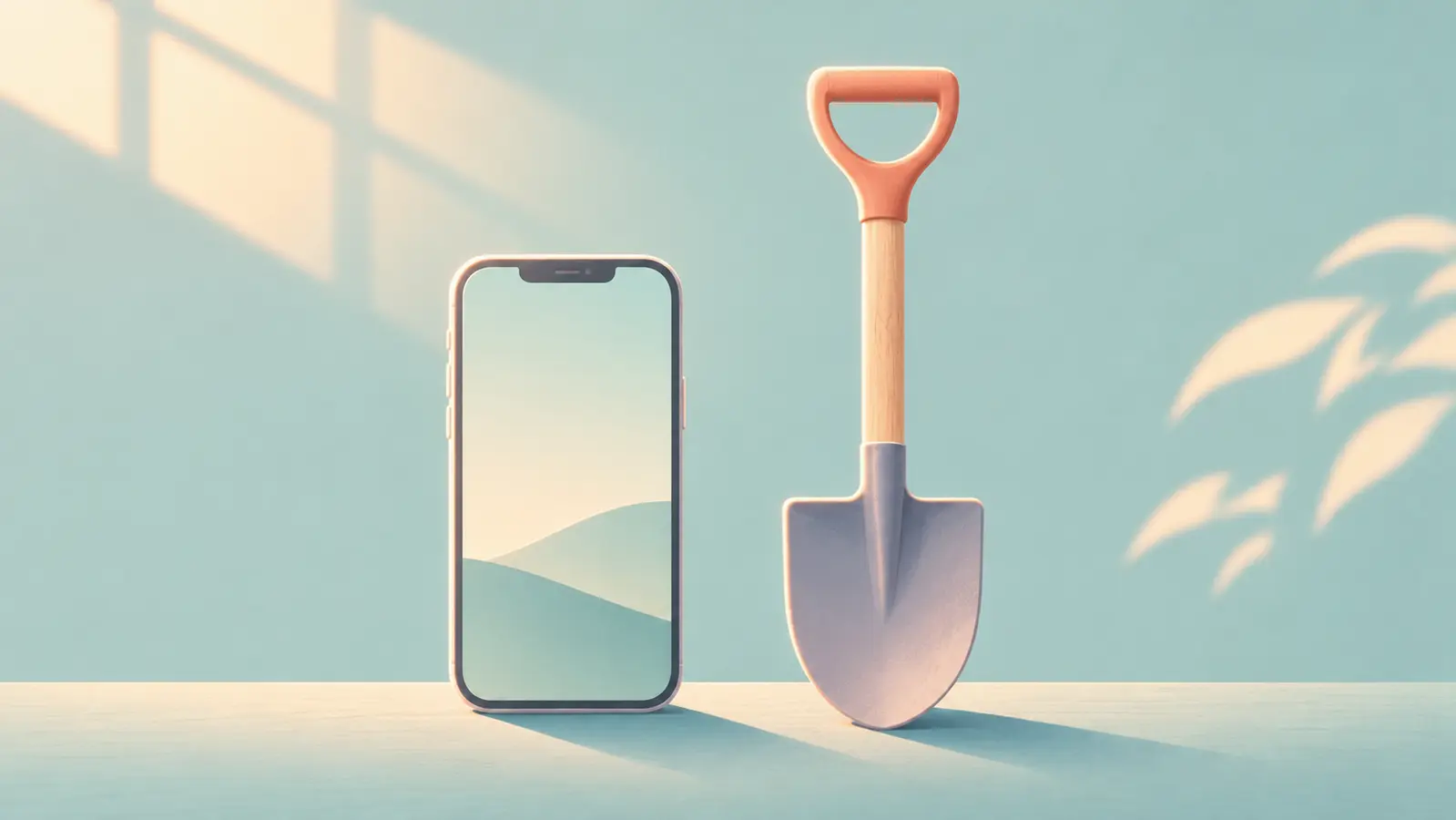
Your phone should make life easier, not constantly demand your attention. Explore why apps keep pulling you back and how to use your phone on your own terms.
We tend to think of our smartphones as tools, and for good reason. We use them to communicate, find directions, take photos, manage our schedules, learn new things, and accomplish countless everyday tasks. They're probably among the most useful things we own.
But there's something unusual about our phones that we don't often stop to consider. Unlike most tools, they seem to constantly want us to use them, even when we have no particular reason to.
Here's a little thought experiment.
Imagine you have a shovel. You spend twenty minutes digging a hole in your backyard, finish what you came to do, and lean the shovel against the fence. You're about to head inside when it starts vibrating.
Ding! "You haven't dug in five minutes."
Ding! "Your friends dug 12 holes today!"
Ding! "Don't lose your digging streak!"
Before long, you're back outside digging another hole. Not because you need one, but because your shovel has somehow convinced you to keep using it.
It's a ridiculous idea, of course. We wouldn't accept this behavior from an ordinary household tool. A shovel doesn't need us to develop a daily digging habit, compare our progress with the neighbors, or reward us for picking it up again. Its purpose is simply to help us accomplish something, and when we're finished, we put it away.
Yet when it comes to our smartphones, we've grown accustomed to almost exactly this kind of behavior. Notifications remind us to return, streaks reward us for showing up, and endless feeds ensure there's always something new to see.
Which raises an interesting question: If our phones are supposed to be tools, why do so many of the apps on them keep asking us to use them?
Somewhere Along the Way, the Tool Changed
Think about the other tools you use throughout your day. Your coffee maker doesn't congratulate you for maintaining a thirty-day brewing streak, and your car doesn't send you a notification because you haven't driven it since yesterday. You use these things when you need them, and when you're finished, you move on.
Of course, smartphones are different. They're not just tools for getting things done. They're also places where we socialize, relax, learn, and entertain ourselves. There's nothing wrong with opening YouTube simply because you feel like watching something, or spending an evening catching up with friends on Instagram.
The difference is that many digital services benefit when we keep using them. For advertising-supported platforms, more engagement can mean more opportunities to show ads, learn about our preferences, and encourage us to return. This is part of what's known as the attention economy, where our limited time and attention have become valuable resources that businesses compete for.
That doesn't make every notification or recommendation manipulative. Some are genuinely helpful. But it does mean the goals of an app don't always line up with our own. We might open YouTube to watch a five-minute tutorial, while the platform is designed to make it easy to discover five more videos afterward.
And that's where things get interesting. The app may have helped us accomplish exactly what we wanted, but it doesn't necessarily encourage us to leave once we're finished.
When a Quick Check Becomes Twenty Minutes
You've probably experienced this yourself. You pick up your phone to respond to a message, notice a notification from another app, and decide to take a quick look. There's a video that seems interesting, followed by another recommendation, and before you realize it, twenty minutes have passed.
You didn't necessarily decide to spend twenty minutes on your phone. You just kept finding reasons not to put it down.
A lot of familiar app features make this particularly easy. Infinite scrolling removes the natural stopping points you'd find in a book or magazine. Autoplay starts the next video before you've decided whether you want to watch it. Notification badges give you something to check, while daily streaks can make taking a break feel like losing progress.
Each feature might seem harmless on its own, and sometimes it is. The problem arises when they collectively make continuing feel easier than stopping, even after you've finished what you originally wanted to do.
I think that's why unnecessary phone use can be so frustrating. It's rarely one dramatic decision to waste an entire afternoon. More often, it's a series of tiny decisions we barely remember making.
You might finish the day wondering why you never got around to reading, exercising, or working on something you'd been looking forward to. Meanwhile, your phone has a detailed record of all the little moments you spent checking things that probably could have waited.
That doesn't mean every minute spent online is wasted. Watching videos, playing games, and browsing social media can be enjoyable ways to relax. The more useful distinction is whether you're choosing to spend your time that way or simply continuing because an app keeps giving you another reason to stay.
Making Your Phone Feel Like a Tool Again
The good news is that you don't need to delete every social media account, abandon your smartphone, or become someone who never looks at a screen. Most of us genuinely benefit from having these devices, and there's no reason to give up the useful parts just because some of our habits have gotten a little out of hand.
I'd start by thinking about the things you actually appreciate about your phone. Maybe it's keeping in touch with family, listening to music, taking photographs, or learning something new. Those are all good reasons to use it. Then consider which apps or habits regularly take more time than you'd like.
Perhaps you enjoy Instagram but dislike how often you open it during work. Maybe you love YouTube tutorials but find yourself watching unrelated videos afterward. You don't necessarily need to give up either app. You might just want to change when you use it and how you decide you're finished.
One of the easiest changes is turning off notifications that don't really matter. Keep important calls, messages, calendar reminders, and anything else you genuinely need, but consider whether an app needs to tell you every time someone likes a post or uploads something new. You can still check those things whenever you want. You just don't need an invitation every time something happens.
You might also try moving distracting apps off your main Home Screen. If Instagram or TikTok is always sitting next to Messages and Calendar, it's easy to open it almost automatically. Moving it into a folder or the App Library creates a small moment where you have to decide whether you actually want to use it.
For apps where you tend to lose track of time, it helps to create your own stopping points. You could decide what video you want to watch before opening YouTube, give yourself some time for social media in the evening, or set a daily allowance for an app you frequently overuse. The point isn't to make using your phone frustrating. It's to make stopping feel like a normal part of using it.
And sometimes the simplest change is just putting your phone somewhere else. Leave it in another room while you're working, keep it off the table during dinner, or go for a walk without checking something every few minutes. You don't need to fill every quiet moment with content, and you don't have to make every moment productive, either.
It's perfectly fine to just enjoy being where you are.
Where LightScroll Fits In
This idea of making our phones work for us, rather than the other way around, is a big part of why we created LightScroll.
We don't think you should have to give up apps you genuinely enjoy just because you sometimes spend longer using them than you intended. Instead, LightScroll helps you create boundaries around selected apps and websites, with scheduled restrictions, time allowances, and Frictions that encourage you to pause before opening something.
For example, you might want Instagram available in the evening but prefer not to open it during work. Or perhaps you'd like to spend the first part of your morning without social media, giving yourself time to wake up and get ready before diving into notifications.
Rather than making those decisions over and over again, you can set your preferences ahead of time and let LightScroll help you follow through. You can learn more about how LightScroll works if you're interested.
The idea is simple: technology should support the life you're trying to live, not constantly compete with it.
Your Phone Should Be Able to Wait
Going back to the shovel for a moment, there's something appealing about how ordinary tools work. You pick them up when you have something to accomplish, use them for that purpose, and put them away when you're finished. They don't demand your attention or make you feel like you're missing something when you're not using them.
Our phones are obviously more complicated than shovels. They're cameras, maps, libraries, communication devices, entertainment systems, and countless other things rolled into one. That versatility is what makes them so valuable, and there's no reason we shouldn't enjoy it.
But being useful doesn't mean a device needs our attention all the time. We should be able to put our phones down without feeling that we're ignoring something, falling behind, or missing out on whatever might be happening elsewhere.
The next time you find yourself opening an app without really knowing why, try asking yourself a simple question: Did I actually want to use this, or did something just encourage me to come back?
You might be surprised how often it's the latter.
And maybe that's the standard we should expect from our technology. Not that it never entertains us, encourages us, or invites us to discover something new, but that it remains easy to walk away when we've had enough.
After all, a good tool should help you do what you came to do. And when you're finished, it should be perfectly happy to wait until you need it again.